Get Started
  dr.fone-Transfer (iOS Devices)
 Home - 1-Click File Transfer
- 1-Click Rebuild iTunes Library
- 1-Click Backup Photos to PC/Mac
- 1-Click Transfer iTunes Media to Device
- 1-Click Phone to Phone Transfer
 Transfer & Manage Music
- Transfer Music from Computer to iPhone/iPad/iPod
- Transfer Music from iPhone/iPad/iPod to Computer
- Transfer Music from iPhone/iPad/iPod to iTunes Library
- Transfer Music from iTunes Library to iPhone/iPad/iPod
- Transfer Music Between iDevices and Android Devices
- Manage Music Playlists
- Find and Remove Duplicate Music Files
- Fix Music ID3 Tags for iPhone/iPad/iPod touch
- Delete Music on iPhone/iPad/iPod
 Transfer & Manage Videos
- Transfer Videos from Computer to iPhone/iPad/iPod
- Transfer Videos from iPhone/iPad/iPod to Computer
- Transfer Videos from iPhone/iPad/iPod to iTunes Library
- Transfer Videos from iTunes Library to iPhone/iPad/iPod
- Transfer Videos Between iPhone/iPad/iPod/Android Devices
- Delete Videos on iPhone/iPad/iPod
 Transfer & Manage Photos
- Introduction to Photos
- Transfer Photos from Computer to iPhone/iPad/iPod touch
- Transfer Photos from iPhone/iPad/iPod touch to Computer
- Transfer Photos Between iPhone/iPad/iPod/Android Devices
- Delete Photos on iPhone/iPad/iPod touch
- Manage Photo Albums in Photo Library
- Convert Photos/Video on iPhone/iPad/iPod touch to GIF
 Transfer & Manage Information (Only for Windows Version)
- Transfer Contacts from Computer to iPhone/iPad/iPod touch
- Backup Contacts from iPhone/iPad/iPod touch to Computer
- Transfer Contacts between iOS and Android Devices
- Manage Contacts on iPhone/iPad/iPod touch
- Export SMS from iPhone/iPad/iPod touch to Computer
 Manage Apps
- Install Apps from Computer to iOS Devices in Batch
- Uninstall Apps on iOS Devices with One Click
- Export Apps from iOS Devices to Computer for Backup
 Explorer (Only for Windows Version)
 Toolbox
- Rebuild iTunes Library
- Transfer iTunes to Device
- Phone Transfer
- GIF Maker
- Fix iOS/iPod (Only for Mac Version)
 Tips for dr.fone-Transfer for iOS
Install Apps from Computer to iOS Devices in Batch
Step 1. Launch dr.fone-Transfer and connect your iPhone/iPad/iPod touch with the computer.
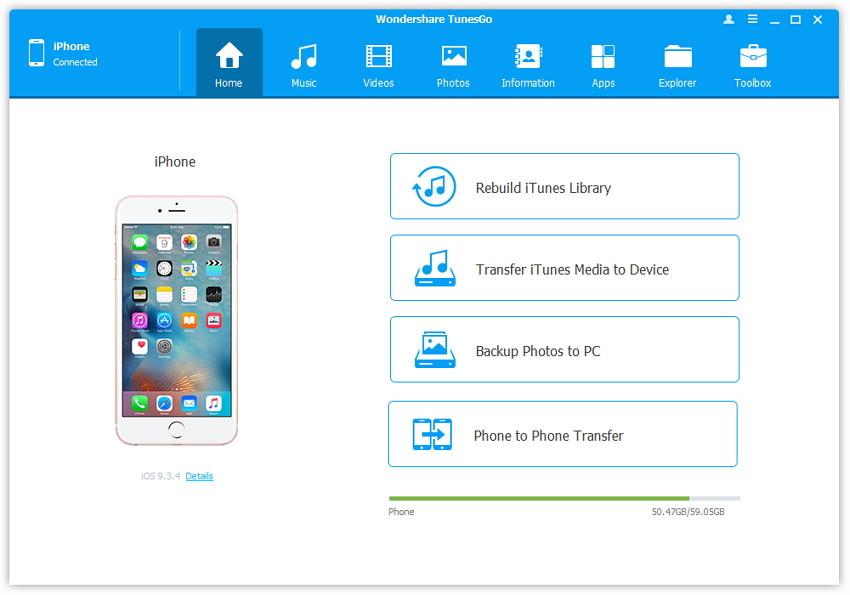
Step 2. Install Apps from computer to iPhone/iPad/iPod touch.
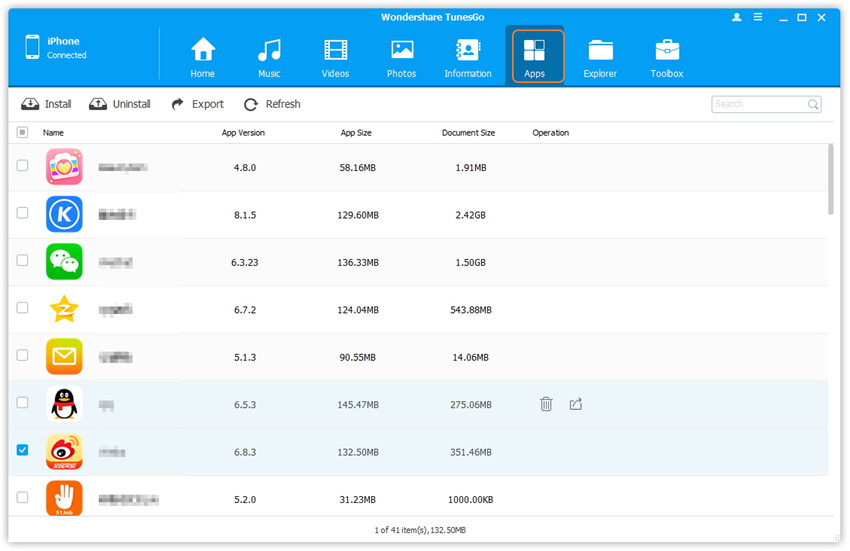
a. Click Apps icon at the top of the main interface to enter the Apps window, all the apps on the iDevice will be shown by list.
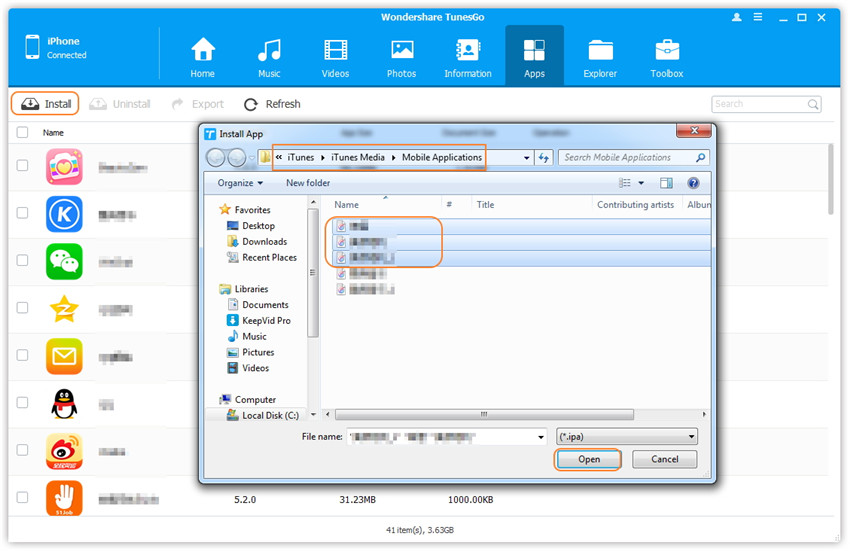
b. Click Install button at the top-left corner and dr.fone-Transfer will open the path where iTunes saves apps by default, if you want to install apps somewhere else, change the path accordingly. Then, select the app(s) to install by clicking Open. Hold down the Ctrl or Shift key to select multiple apps.